
Playwright CLI: Generating Production-Ready Tests with AI
GitHub Repository: github.com/vmqa/qa-chatbot-playground (branch: playwright-cli-tests-part-1)
Why Playwright CLI Matters
The new Playwright CLI introduces a more structured way for AI agents to work with real applications.
Instead of relying on large DOM dumps or heavy context exchanges, the CLI provides a controlled command-based interface for application exploration and test execution. In practice, this makes the workflow:
- More token-efficient
- More structured
- Easier to reason about
- Smoother than the previous MCP-based approach
The result is not just test suggestions — but runnable Playwright tests aligned with real project standards.
What the Workflow Looks Like
In this demo, the AI agent:
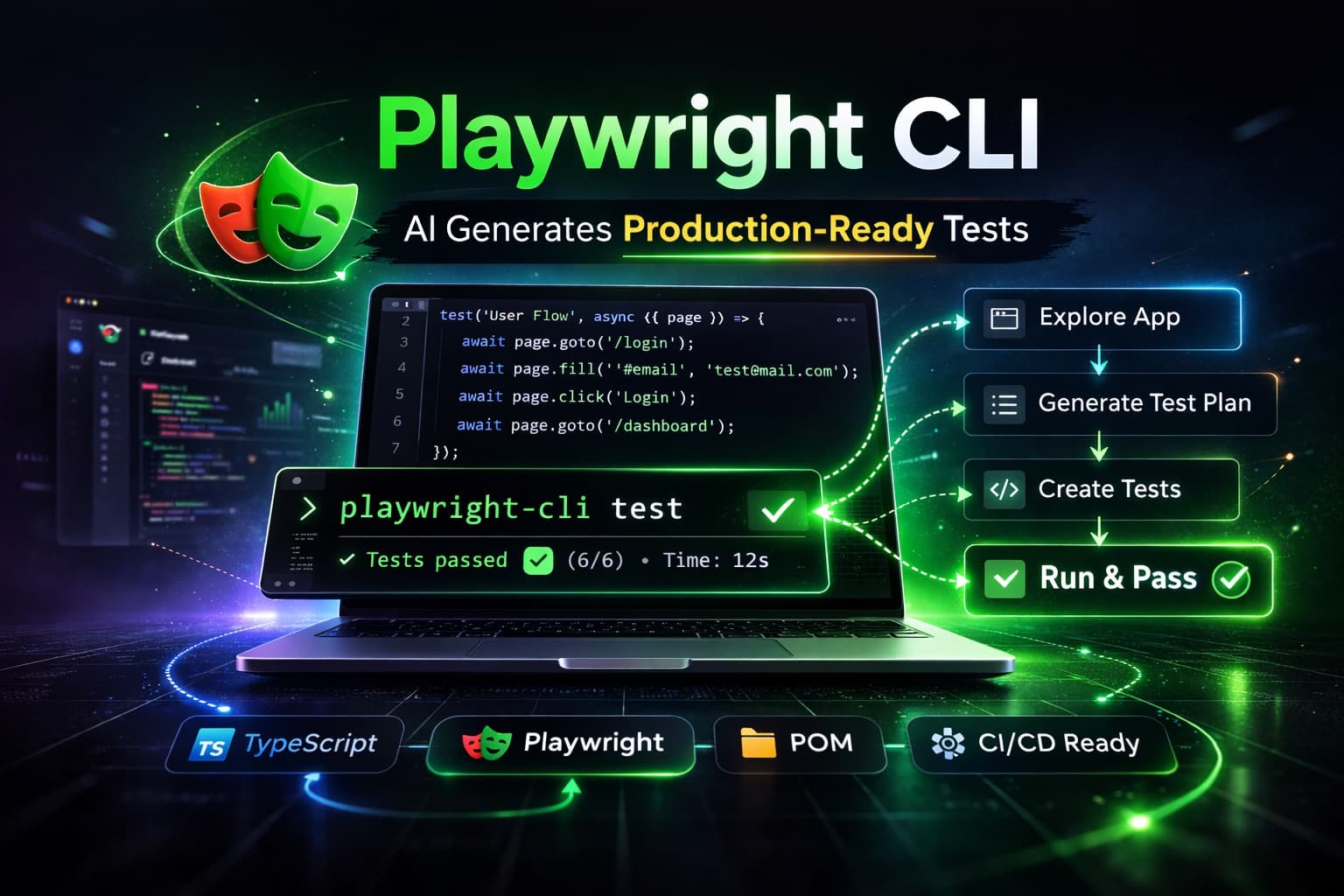
- Explores a running application using Playwright CLI
- Navigates real user flows
- Interacts with UI elements
- Generates a structured test plan
- Converts that plan into Playwright tests
- Executes them successfully
Because the project already defines coding standards (Page Object Model, fixtures, clean structure), the generated tests are not prototypes — they are aligned with production patterns.
This is a key distinction. Clear constraints + structured CLI interaction = reliable automation output.
Real Project Context
The demo runs on top of the AI QA Playground project introduced in a previous article.
That project includes:
- Next.js frontend
- FastAPI backend
- Playwright E2E tests
- Pytest API tests
- CI/CD workflows
By combining it with Playwright CLI, the setup becomes a realistic environment for experimenting with AI-assisted automation — not a toy example.
Example: Generated Test Spec
Here is an example of a test spec generated by the AI agent during the demo. It covers blog page search filtering and article navigation using the Page Object Model:
import { test } from '@playwright/test';
import { BlogPage } from '~pom/BlogPage.pom';
import { ArticlePage } from '~pom/ArticlePage.pom';

test.describe('Blog Page', () => {
  let blogPage: BlogPage;

  test.beforeEach(async ({ page }) => {
    blogPage = new BlogPage(page);
    await blogPage.goto();
  });

  test('Search filters the article list', async () => {
    await test.step('Verify initial state', async () => {
      await blogPage.toBeOnBlogPage();
      await blogPage.toHaveResultsCount('Showing 10 of 20 articles');
    });

    await test.step('Search for playwright', async () => {
      await blogPage.searchArticles('playwright');
      await blogPage.toHaveResultsCount('Showing 8 of 8 articles');
    });

    await test.step('Clear search restores full list', async () => {
      await blogPage.clearSearch();
      await blogPage.toHaveResultsCount('Showing 10 of 20 articles');
    });
  });

  test('Article navigation', async ({ page }) => {
    const articlePage = new ArticlePage(page);

    await test.step('Click article and verify detail page', async () => {
      await blogPage.clickArticle('scalable-test-automation-framework');
      await articlePage.toBeOnArticlePage(
        'scalable-test-automation-framework',
        'Building a Scalable Test Automation Framework'
      );
      await articlePage.toHaveBackLink();
    });

    await test.step('Navigate back to blog', async () => {
      await articlePage.clickBackLink();
      await blogPage.toBeOnBlogPage();
    });
  });
});Example: Generated Page Object
The AI agent also generated the corresponding Page Object Model class, following the project's existing POM structure with three sections — Locators, Actions, and Assertions:
import { expect, Locator, Page } from '@playwright/test';
import { step } from '~support/decorators';
import { BasePage } from '~support/BasePage.pom';

export class ArticlePage extends BasePage {
  constructor(page: Page) {
    super(page);
  }

  // Locators
  private locateTitle(): Locator {
    return this.page.getByTestId('article-title');
  }

  private locateBackLink(): Locator {
    return this.page.getByTestId('article-back-link');
  }

  private locateContent(): Locator {
    return this.page.getByTestId('article-content');
  }

  // Actions
  @step()
  async goto(slug: string) {
    await this.navigate(`/blog/${slug}`);
    await this.waitForPageReady();
    await this.toHaveTitle();
  }

  @step()
  async clickBackLink() {
    await this.locateBackLink().click();
  }

  // Assertions
  @step()
  async toHaveTitle(expected?: string) {
    const title = this.locateTitle();
    await expect(title, 'Article title should be visible').toBeVisible();
    if (expected) {
      await expect(title, `Article title should read "${expected}"`).toHaveText(expected);
    }
  }

  @step()
  async toHaveBackLink() {
    await expect(this.locateBackLink(), 'Back to Blog link should be visible').toBeVisible();
  }

  @step()
  async toHaveContent() {
    await expect(this.locateContent(), 'Article content should be visible').toBeVisible();
  }

  @step()
  async toBeOnArticlePage(slug: string, expectedTitle: string) {
    await expect(this.page, `URL should be /blog/${slug}`).toHaveURL(`/blog/${slug}`);
    await this.toHaveTitle(expectedTitle);
    await this.toHaveContent();
  }
}When This Is Useful
This workflow is particularly interesting for:
- QA engineers exploring AI-assisted automation
- SDETs optimizing test generation workflows
- Teams experimenting with AI-driven test planning
- Engineers interested in token-efficient browser control
It does not replace engineering judgment. But it can significantly accelerate structured test creation when proper standards are in place.
Video Walkthrough
Conclusion
Playwright CLI is not just another wrapper around browser automation.
It introduces a more controlled, token-efficient interaction layer that makes AI-assisted test generation practical in real projects.
If you're already using Playwright, it's worth experimenting with.
Repository branch used in the demo: github.com/vmqa/qa-chatbot-playground (playwright-cli-tests-part-1)